Welcome to Label Designer
by Alans Best LLC
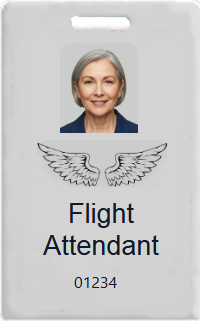
The easy way to create and print labels for RFID (CR80) cards.
Labels can be printed using Microsoft Word Mail Merge and any laser Printer.
Labels can be printed using Microsoft Word Mail Merge and any laser Printer.

- Click Start Designing.
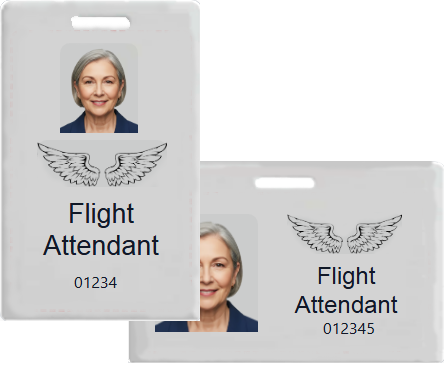
- Toggle the Checkbox to switch between Vertical or Horizontal designs
- Drag objects from the left panel onto the workspace.
- Anything moved outside the dashed boundary will be clipped.
- Follow instructions in left panel to manipulate objects.
No need to buy an expensive RFID card printer. With Label Designer you can print your own labels
using any laser printer and standard 8.5" x 11" sheets of sticky labels. These labels fit perfectly on standard RFID (CR80 2.125x3.375") cards.
If you don't have an RFID key entry system, Label Designer is also great for making any other type of labels,
such as name badges, membership cards, or product tags.